M. Avatar Setting Settings
M. Avatar Setting allows you to update Menno's face, hair, and item settings at once. You can navigate to each individual settings page from here.
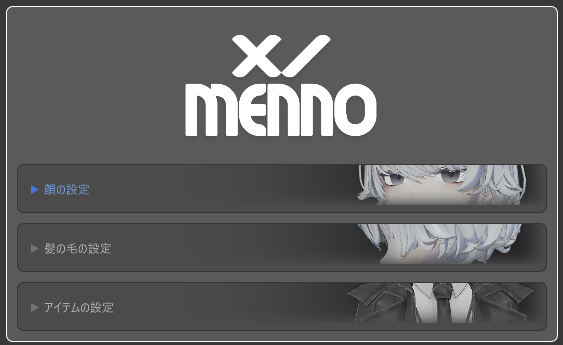
Settings
| Setting | Description |
|---|---|
| Face Settings | Adjust expressions and blend shapes |
| Hair Settings | Adjust hair color and shape |
| Item Settings | Configure clothing and accessories |
Usage
- Place Menno in the scene.
- Open
Window > M Avatar Settingfrom the Unity menu (see M. Avatar Setting for details). - Expand the desired settings category and adjust the values.
Settings are saved automatically and persist across sessions.
Note
- This setting is exclusive to Menno. It will not apply to other avatars.
- We recommend importing it into a fresh project, as it may conflict with Emmelie's M. Avatar Setting.